Differences Between Windows Shared, Windows VPS, and Windows Dedicated Server Hosting​

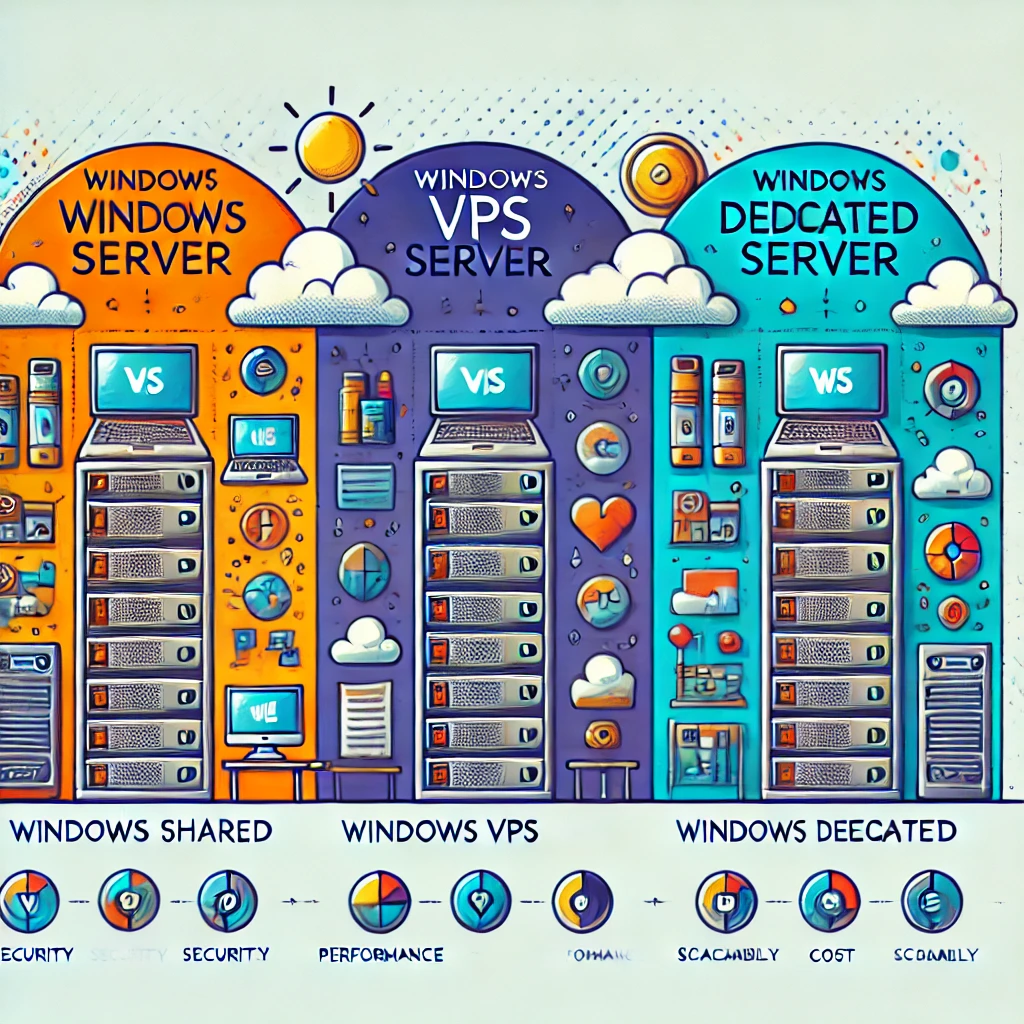
Choosing the right hosting solution can significantly impact your business operations and IT infrastructure. For businesses leveraging Windows environments, understanding the distinctions between Windows Shared Hosting, Windows VPS (Virtual Private Server), and Windows Dedicated Server Hosting is crucial. This blog post dives into the nuances of each hosting type to help you make an informed decision.

What is Windows Shared Hosting?

Windows Shared Hosting is the most economical option, where multiple users share resources like CPU, RAM, and disk space on a single server. It’s suitable for small websites, blogs, and startups with lower traffic volumes.

Benefits:

  • Cost-effective: Low cost due to shared resources.
  • Ease of use: Managed by the hosting provider, requiring less technical knowledge.
  • Built-in administration tools: Often includes Plesk or similar control panels.

Limitations:

  • Limited resources: A shared environment can lead to resource constraints.
  • Less control: Limited ability to install custom software or configurations.
  • RDP Access: There is no RDP access included with the Windows shared hosting.

What is Windows VPS Hosting?

Windows VPS Hosting also known as Virtual RDP server offers a middle ground, providing virtualized separate partitions on a server for more control and better performance than shared hosting.

Benefits:

  • Dedicated resources: Guaranteed resources like CPU time and memory.
  • More control: Ability to install and run custom software and applications.
  • Scalability: Easily upgrade resources as your needs grow.
  • RDP Access: RDP access includes with windows VPS hosting.

Limitations:

  • Cost: More expensive than shared hosting.
  • Management: Requires more technical knowledge to manage and secure.

What is Windows Dedicated Server Hosting?

Windows Dedicated Server also known as dedicated RDP server Hosting provides a server solely dedicated to one client, offering maximum control, performance, and security.

Benefits:

  • Full control: Administrative access to install any software and configure it as needed.
  • High performance: All server resources are dedicated to one user.
  • Enhanced security: Less vulnerable to attacks since resources are not shared.
  • Storage customization opportunities: In the dedicated RDP server user has the option to choose the storage type (eg. NVMe, SSD, or SAS Hard Drive), and Raid type (Raid 0, 1, 5, 6, 10, etc). which usually can’t be customizable in shared windows or virtual RDP servers.
  • RDP Access: RDP access includes with windows dedicated server hosting.

Limitations:

  • Cost: Significantly more expensive than VPS and shared hosting.
  • Management: Requires advanced technical skills to manage and maintain.
 

Windows RDP Hosting

This comprehensive guide aims to clarify the options available under Windows hosting to ensure you select the type that best aligns with your business requirements and technical capabilities. Whether you need a simple, cost-effective solution or a powerful, dedicated environment, understanding these distinctions will guide your decision-making process.


50% OFF on BDIX RDP VPS